Try Microduck in your browser before buying the robot
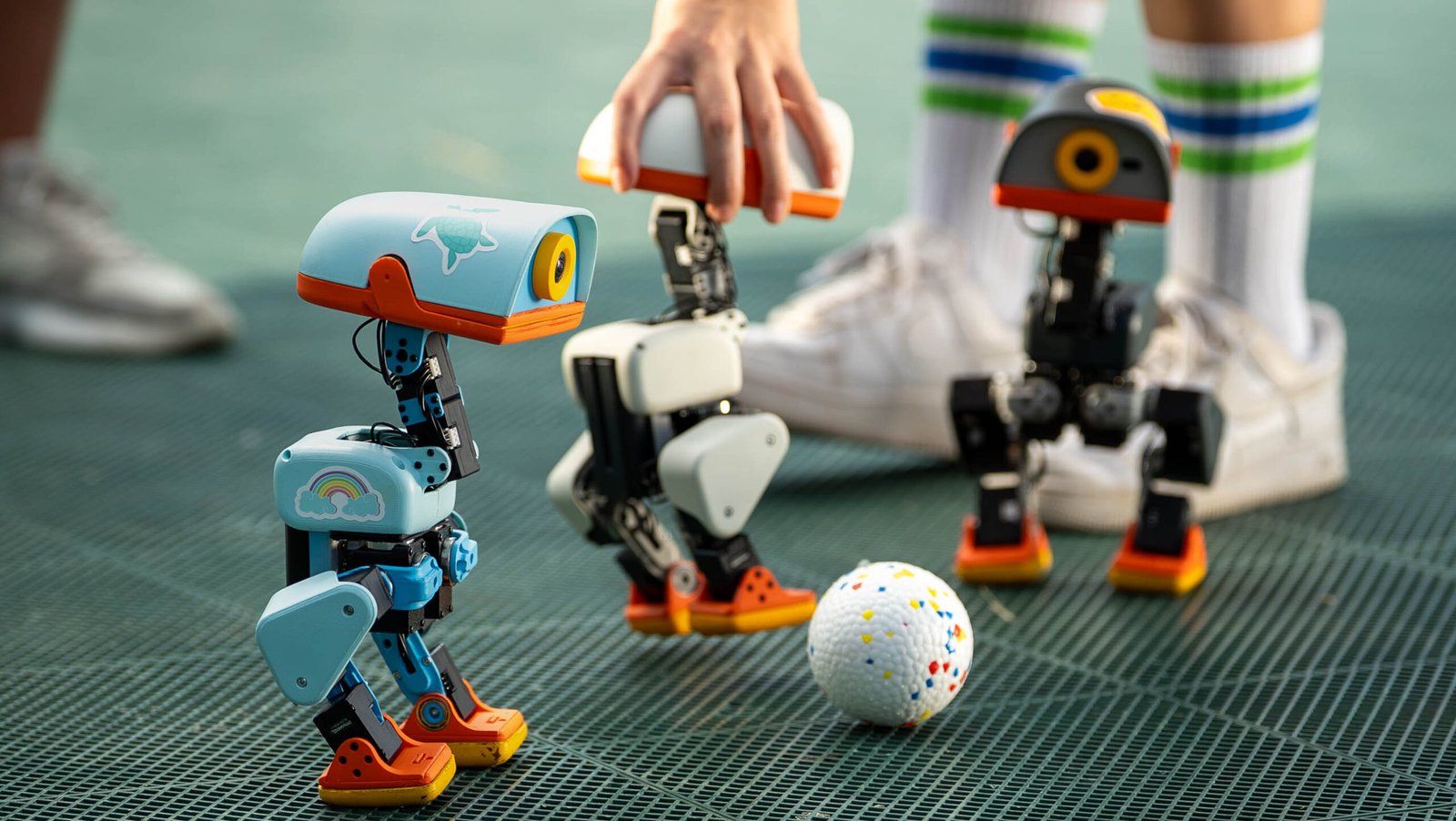
Three physical Microducks. Press photograph by Pollen Robotics.
Curious whether you would enjoy programming a robot’s movement? Start with the free Microduck Sandbox on Hugging Face. You can drive a virtual robot in your browser without buying hardware or installing a training stack. This short exercise compares movement on feet and rollers and helps you decide whether to go further.
Run the same route in both modes
- Open Sandbox on a computer with a keyboard and choose Waddle in. If the keys scroll the page, click the simulation to give it focus.
- Choose Feet. With the arrow keys or WASD, approach the ball, turn and return to your starting area. Press C to change the camera or Space to reset the scene.
- Choose Rollers and reset to the same starting position. Repeat the turn and try to stop at the same point.
- Count how many times in each mode you return and stop without a collision. Use similar key presses and keep the same camera view. Your results describe your own inputs in this scene.
Keyboard input sets the requested movement. A trained controller, called a policy, combines that command with observations of the robot and sets targets for its joints. The simulator documentation describes separate feet and roller variants with the same observation and action interface. Switching modes lets you observe both. Stopping distance on a real carpet remains a separate question.
What should you use next?
| What do you want to find out? | Where to start | Next step |
|---|---|---|
| Do I enjoy driving the robot and comparing motions? | Browser Sandbox with ready-made behaviours and a virtual scene. | Change one part of the exercise, such as the stopping point, and repeat it. |
| Can I change how the controller behaves? | A training environment, such as the flat walking task described in NVIDIA's tutorial. | Compare the new policy and the baseline in the same simulation before export. |
| Does my policy work on the physical robot? | A configured Microduck and the documented workflow for loading a compatible ONNX file. | Set up a test area, practise restoring the default and follow the manufacturer's instructions. |
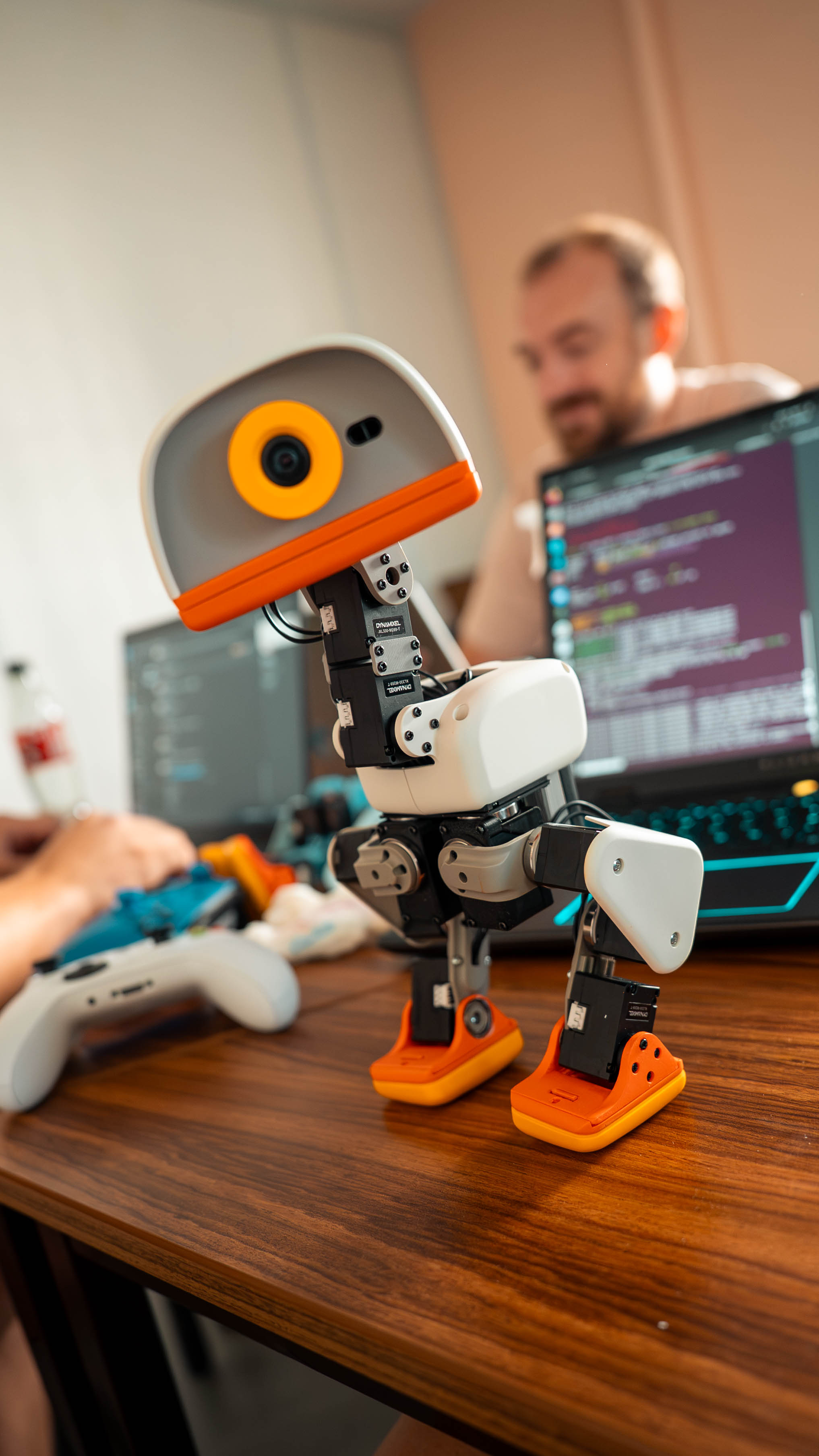
What do training and hardware add?
Sandbox helps you design repeatable trials. To train a new policy, NVIDIA's Isaac Lab tutorial describes a Linux workstation with a supported NVIDIA GPU. The tutorial starts with an existing walking task and assesses the trained policy in simulation before exporting it to ONNX. Check that the observation order, normalisation and action scale match the onboard runtime.
The physical robot encounters real surface friction, delays and play in the gears. The training tutorial models these effects, and a new policy still needs hardware evaluation. If you mainly want a first exercise in robot control, complete the browser trial and write down what a successful run means before deciding whether to buy.
For a hardware decision, see the Microduck overview and availability and the comparison with Reachy Mini. Confirm delivery, pricing and support for your country with the manufacturer's store.