Robot vacuum camera privacy: maps, cloud and settings to change
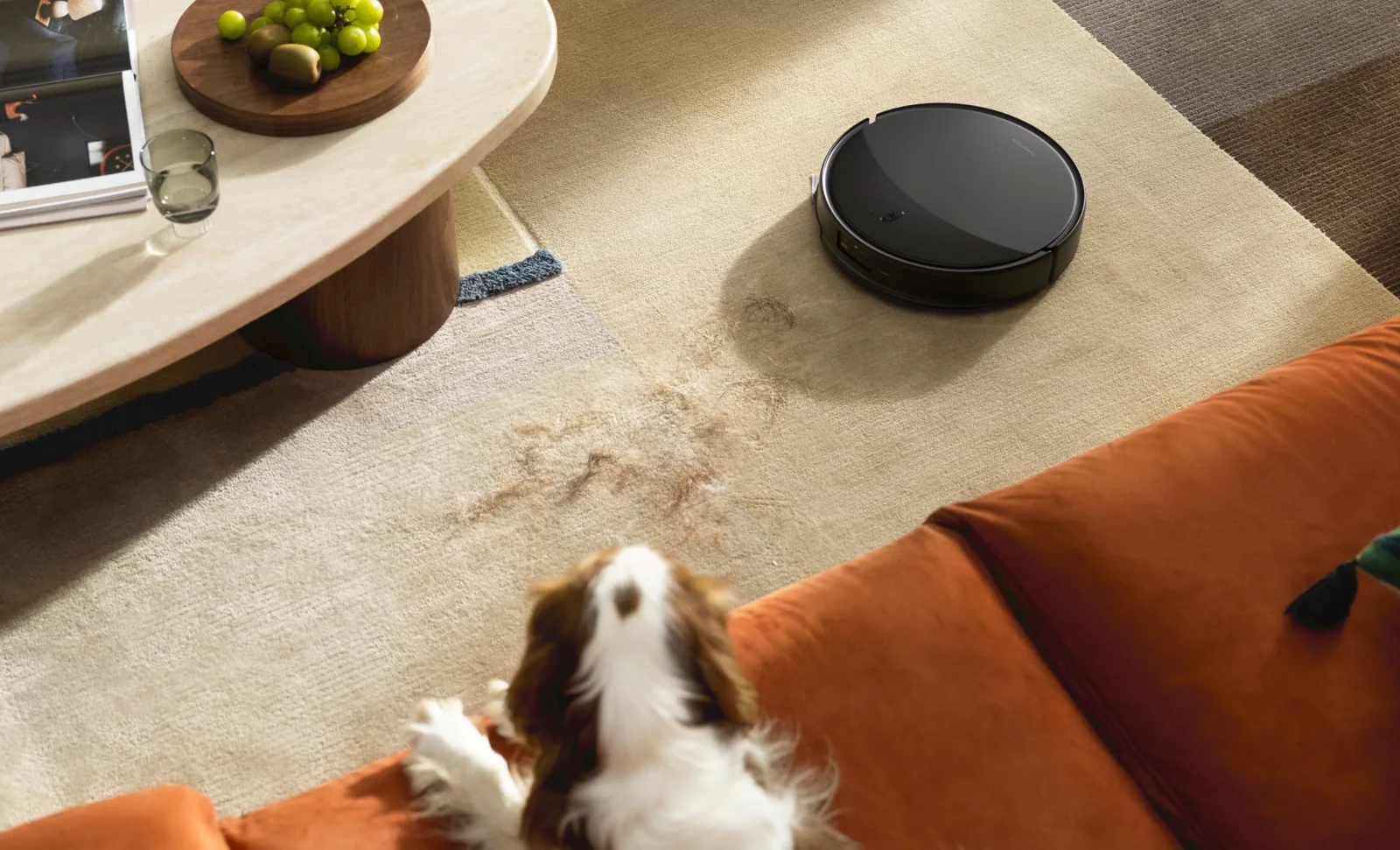
A robot vacuum can map a home, recognise objects with a camera, save obstacle photographs and offer remote video. Those are separate data functions with different controls. Rather than saying every camera is spying, audit the specific model: what is turned on, where the data goes and what still works if cloud access fails.
What visual sensing is for
Roborock’s Saros 20 video illustrates obstacle recognition. It does not verify where images are stored or how long data is retained — consult the privacy documentation separately.
Five kinds of data with different consequences
Room maps reveal layout but do not necessarily contain photos. Obstacle pictures may be stored locally before appearing in an app. Remote video is a separate access-controlled feature. Voice commands may be interpreted on the device or partly online. Telemetry covers fault logs, charging and cleaning activity.
Brand-wide marketing claims are insufficient. Check the exact model, region and firmware. A premium-series function may not exist on an entry-level product and a service available in one country may be disabled elsewhere.
| Feature | Question to ask | Useful action |
|---|---|---|
| Home map | Local storage or cloud? Retention period? | Verify map deletion before resale |
| Obstacle images | Automatically stored or opt-in? | Disable when not needed |
| Remote live video | Who can activate it and is physical confirmation required? | Review shared account access |
| Voice assistant | Local interpretation or server processing? | Turn off unused microphone functions |
| Diagnostics | Can usage history and sharing be limited? | Read the current app policy |
Roborock: manufacturer claims and a useful nuance
Roborock’s August 2026 trust centre describes local encryption of obstacle images, secure transmission and two-step activation for certain remote-view features. These are manufacturer statements whose precise applicability depends on model and region, not an independent security audit of every vacuum.
The Roborock App privacy policy updated 22 June 2026 also says that where the product allows obstacle image downloads, screenshots or recording during remote viewing, photos and videos may be saved. This is an important distinction: ephemeral live streaming and deliberately saved content are not the same process. Check media-saving settings and smartphone permissions.
ECOVACS: protected video is not identical to no data collection
ECOVACS’ May 2026 product-security white paper describes controls, encryption and secondary password checks for certain Video Butler services. It does not establish that every model, firmware build and account will always have the same features or protection.
Ask the manufacturer about the retention policy applicable in your country and how to disable unused functions. A security badge in a product description is not a substitute for a precise certificate scope and continued updates.
Seven checks in the first twenty minutes
1. Update firmware and the official mobile app. 2. Use a strong unique account password and multi-factor authentication if available. 3. Turn off live viewing or obstacle photos you do not need. 4. Review family members and other accounts that can access the device.
5. Check app permissions for location, microphone, camera and stored photos. 6. Consider an isolated IoT network if your router supports it without breaking the product’s documented connectivity. 7. Before sale or disposal, factory-reset the vacuum, remove maps where supported, unlink the account and verify the manufacturer’s deletion procedure.
What actually works without the internet?
“Offline” is not a universal technical specification. On some products a button can start basic cleaning while maps, no-go zones, account history and updates need an app or internet service. Others may keep the last schedule but lose remote access.
During the return window, run a controlled internet-disconnection test: try the physical start button, maps and scheduling, then restore the normal connection. Do not block random endpoints permanently and thereby prevent security updates. Record the behaviour of your precise firmware before relying on it.
Decision: buy the functions you need, with controls you understand
A camera can help object avoidance and remote monitoring. In privacy-sensitive rooms, fewer active features may be preferable. Look for a documented data policy, meaningful disable controls, security support and a credible regional service route. RoboMorrow has not penetration-tested these products or independently audited firmware.
Seven questions before enabling a camera or remote viewing
- Does the exact robot use an image camera, or only lidar and depth sensors?
- Which features send photos or footage off-device, and can each be disabled?
- Does the home map remain local, sync to an account or reside on a server?
- How long does the provider retain each data category, and where is the service operated for your country?
- Can you revoke consent, delete history and reset the robot before resale?
- Does the account have a strong password, available additional protection and current firmware?
- Will basic cleaning still work with remote features switched off?
This is not a claim that every robot records images. Cameras, maps and cloud services differ even between variants of one product family. The product video demonstrates sensing for navigation; it is not a security audit of transfers, retention or server locations.
Before buying, compare privacy controls as carefully as sensors
Read the current Roborock privacy policy and check whether the exact variant has optional off-device functions. Review account protection, retention and wipe/reset procedures. We deliberately avoid pushing a robot sales affiliate link on a privacy-warning article without a concrete purchase decision or verified improvement to user security.
Related tools and articles
Sources and method
Original manufacturer video: Roborock Saros 20 — manufacturer demo of obstacle detection (2026-06-04).
Primary documents and manufacturers’ manuals checked on 20 October 2026. This is an editorial analysis, not a RoboMorrow hands-on laboratory test. Scenario amounts are not store prices.
- Roborock — app privacy policy (22 June 2026)
- Roborock — privacy and security centre (August 2026)
- ECOVACS — product security white paper (May 2026)
- European Data Protection Board — technology and IoT guidance
Where to buy models from this article
We show only exact verified Amazon product pages. Before purchase, confirm the variant, seller, warranty and box contents.
Exact Amazon links. Where a verified RoboMorrow marketplace tracking ID is active, the link is an affiliate link and we may earn from qualifying purchases. Price and availability can change after you click.