Robot vacuum without Wi-Fi: test what works offline
BUYING IN YOUR MARKET
Availability in your country
Sales, delivery and support can differ by country and exact model. Choose your market to see the evidence we have checked.
Roborock Saros 20
United States
Official US listing and purchasing routes
- Price
- Check the current US store or named retailer; no verified current checkout price in this dataset.
- Delivery
- Stock and delivery for your address require retailer confirmation.
- Warranty and service
- Confirm warranty eligibility, local repair arrangements and coverage for your address
The official page distinguishes Saros 20 from Saros 20X and names purchasing platforms. Do not substitute variants automatically.
Evidence checked: · Not a live stock feed
Roborock US — Saros 20 ↗Poland
Official Polish product listing
- Price
- Check the current Polish checkout price and tax basis.
- Delivery
- Stock and delivery to your address require checkout confirmation.
- Warranty and service
- Confirm warranty eligibility, local repair arrangements and coverage for your address
A Polish listing confirms a Polish channel; it does not establish availability in other EU countries.
Evidence checked: · Not a live stock feed
Roborock Poland — Saros 20 ↗No verified local offer in this dataset
No country-specific offer for this exact model has been established in our current sources. This is a gap in our research, not a statement that the robot cannot be bought here. Use the manufacturer’s sales contact to request a supplier serving your address; confirm configuration, imports, warranty and service.
- Price
- No verified local price in this dataset
- Delivery
- No confirmed date for your address
- Warranty and service
- Local coverage not verified
“Listed” confirms a product page or sales route, not stock, delivery to every address or local service. “Pre-order” is not immediate availability. Unverified means we lack evidence; it does not mean unavailable. Prices belong to the named market and currency. Confirm the exact version, tax, shipping and support before ordering.
First identify exactly what will be unavailable
A robot running while your phone is switched off has not passed an offline test. The router and manufacturer service may still be working. The useful result is a list of specific functions verified in the required scenario, together with the model and software version. A Wi-Fi icon or working start button does not establish how the whole device behaves.
| Your situation | Decisive test | Decision condition |
|---|---|---|
| Temporary internet outage | A saved task with the home network running but internet unavailable | Start, restrictions and completion behave as required |
| Holiday home without a router | Demonstration of setup and routine cleaning without Wi-Fi | No daily app interaction is required |
| User without a smartphone | Independent start, pause and response to a message | Routine operation is possible on the device |
Before buying, request a demonstration that matches your situation. Record successful cleaning separately from the report appearing in the app. A delayed report does not necessarily mean the task failed. Do not remove the account or maps merely to test a temporary outage. The procedure below preserves a baseline and makes returning to the original configuration straightforward.
Detailed procedure
A robot vacuum can have a physical start button while still needing internet access for some app features. Break “does it work without Wi-Fi?” into the tasks you actually need. Having no router, losing internet service and switching off your phone are three different situations.
Three layers of connectivity
The robot joins a home network; that network may connect to the internet; and the app may use the manufacturer’s service. Turning off a phone leaves the router running. Conversely, connecting a phone to home Wi-Fi does not prove that app commands stay local: they may still travel through a cloud service.
| Situation | What to test | What not to assume |
|---|---|---|
| Phone switched off | An existing schedule | That internet access has been removed |
| Router on, internet disconnected | Buttons, saved tasks and app control | That every function runs locally |
| No Wi-Fi network | Starting and ending a run from the robot | That all settings behave identically |
| New robot, never configured | Initial setup | That it behaves like a configured unit |
What the manual actually establishes
The Saros 20 manual describes physical cleaning and docking controls. That does not establish offline support for every map feature, schedule, integration or AI function. It also lists both 2.4 and 5 GHz radio support, so the familiar claim that every robot requires 2.4 GHz alone should not be repeated as a universal rule.
Make a list of essential tasks for the exact model you are considering. Button-started cleaning is a different requirement from choosing a room remotely while away from home. Voice assistants, remote viewing and software updates are further dependencies to examine individually.
Test without resetting the device
- Record the model, firmware and app versions, and save a screenshot of your schedule. Confirm normal operation first.
- At a suitable time, disconnect only the router’s internet connection. Avoid interrupting alarms or services another person relies on.
- Start a short task using the physical button. Check completion and the return to the dock.
- Check a previously saved schedule and its restrictions. Supervise the first trial in a prepared area.
- Restore the connection. Note whether the app retrieves the report or requires another sign-in.
Do not delete maps, factory-reset the robot or block a random list of domains. Changing several things at once makes the result hard to interpret. If you intend to use the machine in a property with no network at all, ask for a demonstration of a new, unconfigured unit in that environment.
A buying checklist that answers the real question
For each task, mark “required”, “verified offline” or “unconfirmed”. Include start, pause, return, scheduling, map selection, restricted zones, mopping and dock emptying. Add behaviour after the router loses power and after the robot itself restarts. A successful single cleaning run is useful evidence but does not cover this complete list.
Keep convenience and privacy questions separate. Offline operation of one function does not establish where historical maps or account data are stored. If data handling is your main concern, read the relevant product privacy information and check the controls available for that model and account region.
A result from one machine does not describe an entire brand. Keep the test date because app behaviour can change with software. For a home without internet, the right purchase is the robot whose required functions have been demonstrated in that scenario, rather than the one with the longest smart-feature list.
Choose the scenario: an outage, a home without a network or an app-free purchase?
These situations require different answers. During an outage, a previously configured robot may retain some settings. In a seasonal home, restarting after a long break matters. For someone who does not use a smartphone, initial setup and everyday messages matter as well. A working button on a unit already configured by the seller does not demonstrate the complete experience.
| Scenario | Purchase requirement | Acceptance check |
|---|---|---|
| Occasional internet outage | Basic cleaning and return without the online service | Disconnect WAN access while retaining the local network |
| Home with no router | Everyday operation without Wi-Fi | Start, finish and required settings with no wireless network |
| User without a smartphone | Essential controls on the device | Complete the everyday routine without help from the seller |
Record a result for each function
Use five columns: function, normal connection, no internet with Wi-Fi still available, no Wi-Fi, and behaviour after restarting the device. Record only what you observe in that configuration. An empty field means untested. Keep the physical space protected. If you do not know whether the robot respects a saved exclusion offline, use a test area where that setting is not the only safeguard.
Report delays are useful to record. Cleaning may finish correctly while the app receives the result only after the connection returns. Separate task execution from history synchronisation. Likewise, a schedule visible in the app does not prove the robot will start without the cloud: observe the actual scheduled time.
Offline operation is not a complete privacy assessment
Cleaning without internet access describes feature availability. It does not answer every question about app data, earlier synchronisation or account permissions. If privacy is your main purchase criterion, review those separately in the product documentation and service settings. Blocking internet access also does not replace maintenance, updates or account management.
Practical choice: for basic cleaning, prioritise dependable physical controls and clear messages. For room selection and remote operation, seek evidence for each required function rather than a general claim that the robot works offline.
Continue with your next question
- Robot vacuum on two floors: one dock or two robots?
- Robot vacuum not returning to dock: four checks
- Roller mop or rotating pads? How to compare robots
Availability and sources
Check the exact regional model, compatible consumables, delivery to your address and local support before ordering. A product listing is not stock confirmation. This article adds no affiliate offers.
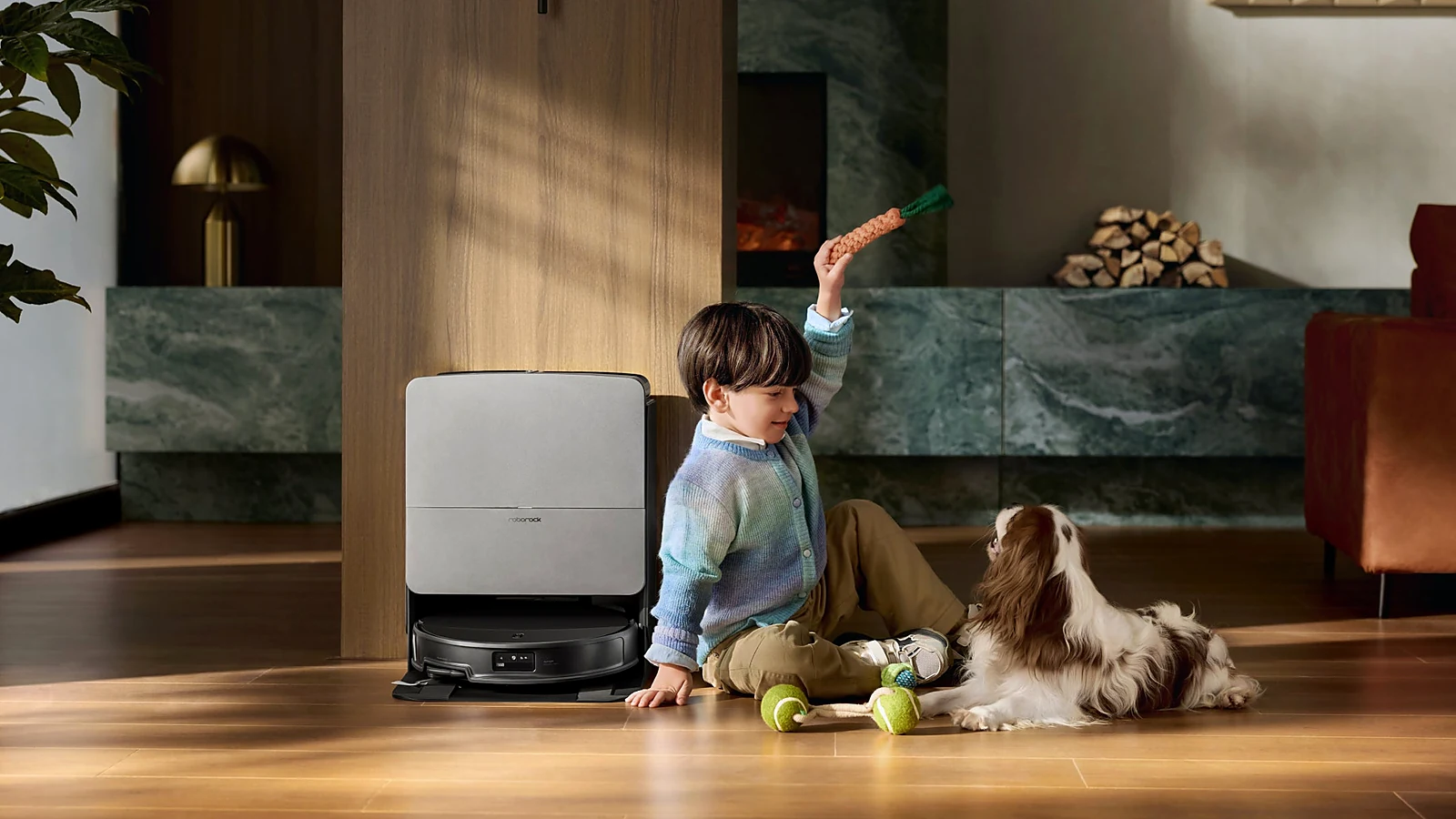
Redakcja RoboMorrow · updated 12 October 2026. Manufacturer statements are attributed above; practical checklists and fictional examples are editorial analysis, not hands-on test results. Product images are existing RoboMorrow manufacturer materials and illustrate the model, not an editorial test.
Where to buy models from this article
We show only exact verified Amazon product pages. Before purchase, confirm the variant, seller, warranty and box contents.
Exact Amazon links. Where a verified RoboMorrow marketplace tracking ID is active, the link is an affiliate link and we may earn from qualifying purchases. Price and availability can change after you click.