Robot vacuum fault: prepare a complete service request
A useful service request describes the symptom and the conditions in which it occurs. It need not include your own diagnosis. Record the exact model, displayed message, software version and point at which the problem appears. Check the manual before trying again; stop using the device and contact service if there is leakage, cable damage or signs of overheating.
Redakcja RoboMorrow · 8 October 2026 · decision guide, not device test results
Describe the symptom rather than a guess
Write “the robot does not return to the dock after the room cycle” rather than “broken LiDAR” without a diagnosis. Add whether it happens every time or only with a particular setting. Separate no power, a navigation problem, water intake trouble and reduced cleaning quality. These are different symptoms even when they occur on the same day.
Information to prepare
Prepare proof of purchase, variant identification, the serial number for the appropriate service provider and a photo or record of the message. Check the required contact channel in the manual or seller documents. Do not post a serial number, home address, floor map or account details in a public comment. Remove unnecessary background information from photos sent to service.
Safe checks following the manual
Perform only manufacturer-approved user-maintenance tasks: for example checking dock placement or cleaning an accessible component where the manual describes it. Record what you did and the outcome. Do not dismantle batteries, bridge contacts or disable safeguards. Do not reset the account or map before recording information if service asks you to preserve diagnostic data.
How to compare support before purchase
Ask who receives the device, how transport is arranged, which parts are available and how symptoms should be documented. Do not transfer service terms from another country or model variant. Keep the seller’s promises with your purchase documents. This guide does not establish legal deadlines or rights: use the current terms of the relevant seller and manufacturer.
Your recording sheet
Copy these fields into your notes. Mark missing data as “unconfirmed”, not as a zero result.
| Field | What to record |
|---|---|
| Device | Full model name and dock variant |
| Software | App and firmware version, date of occurrence |
| Symptom | Exact message and operating stage |
| Conditions | Room, settings, tank state and repeatability |
| Actions | Only manual-approved checks and their outcome |
Questions before deciding
Does a message identify a broken part?
No. Record the message and leave diagnosis to service.
Should I post my floor map in a comment?
No. Send diagnostic data to the appropriate service provider through its specified channel.
What to check next
Choose the next step that addresses your uncertainty. A model profile explains the machine; a guide helps with the decision.
- ECOVACS DEEBOT X11 OmniCyclone
- Dreame X50 Ultra Complete
- Dreame X60 Ultra Complete
- How much does a robot vacuum cost per year?
Sources and scope
Check instructions and footnotes for the exact variant and purchase country. Manufacturer imagery illustrates the model; it does not document an editorial test.
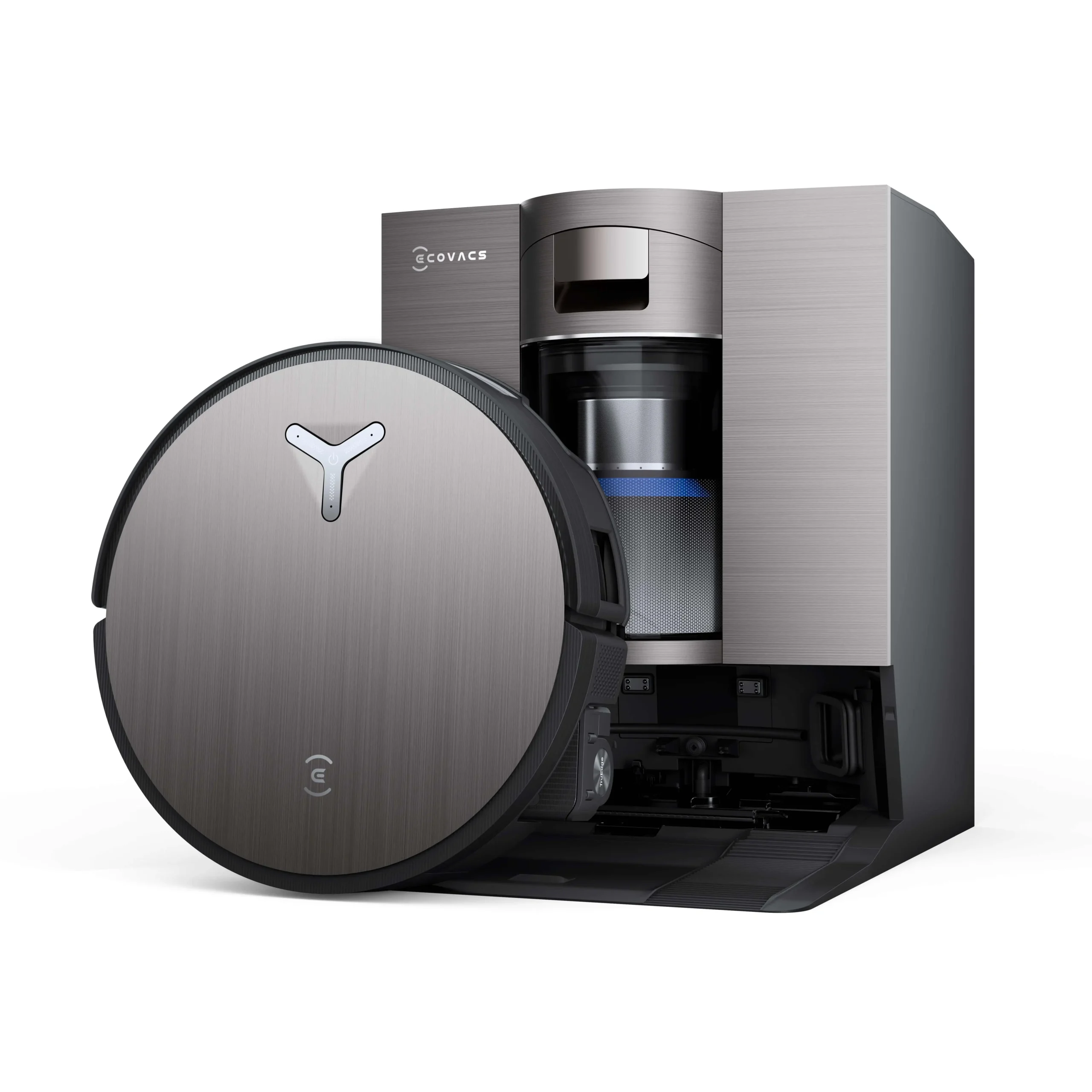
Image: previously published manufacturer material in RoboMorrow — ECOVACS DEEBOT X11 OmniCyclone. It illustrates an example and does not document completion of the checks described in this guide.
Author: Redakcja RoboMorrow. Featured image: manufacturer material or a composition of such materials from the published RoboMorrow library. It illustrates a product or example and is not evidence of an editorial test.
Where to buy models from this article
We show only exact verified Amazon product pages. Before purchase, confirm the variant, seller, warranty and box contents.
Exact Amazon links. Where a verified RoboMorrow marketplace tracking ID is active, the link is an affiliate link and we may earn from qualifying purchases. Price and availability can change after you click.