Robot vacuum home test: a seven-day protocol with five checks
A robot fits your home when it completes the required job without leaving more upkeep than you accept. This protocol helps check that during the first week. These are not RoboMorrow test results: this is a method to use on your own machine, following its manual and your purchase terms.
Redakcja RoboMorrow · 8 October 2026 · decision guide, not device test results
Before the first run
Record the full model name, dock variant, app and firmware versions and accessory list. Choose a fixed test area: the same route, settings and a comparable floor condition. Remove hazardous items and map according to the manual. Do not experiment with avoiding pet waste, liquids or objects that could damage the robot. Photograph problem locations before the trial.
Five checks with separate outcomes
Check furniture access, passage over a real threshold, cleaning of ordinary debris, return to the dock and human upkeep. Describe each outcome as passed, failed or unconfirmed. Do not compute an overall rating from advertising specifications. Also record intervention count: one interrupted session and five small touch-ups are different problems.
The week plan
Use day 1 for installation and supervised route checks. Observe ordinary cycles on days 2–3. On day 4, change only one setting if there is a problem. Repeat under comparable conditions on days 5–6. Use day 7 to review the record and decide. This is an editorial schedule, not a return or warranty deadline: check those terms separately with the seller.
How to decide after a week
Compare the outcome with the job you defined before purchase. If the robot cannot reach the most important area, another mopping mode does not solve a size limitation. If a manual-approved setting resolves the problem, record that configuration. If it persists, prepare a description and evidence for the seller or service provider; do not dismantle the machine or bypass safeguards.
Your recording sheet
Copy these fields into your notes. Mark missing data as “unconfirmed”, not as a zero result.
| Field | What to record |
|---|---|
| Clearance | Location, lowest measurement, contact with furniture, exit |
| Threshold | Profile, direction, conditions, successful attempts |
| Floor | Debris before and after, settings, touch-up |
| Dock | Return, docking, tank access |
| Upkeep | Minutes of preparation, intervention and dock cleaning |
Questions before deciding
Do five checks produce a model ranking?
No. The outcome applies to your home, machine and settings. Comparing two models requires equivalent conditions and disclosure of differences.
Does an AI claim replace supervision?
No. Observe initial runs and prepare the route according to the manual.
What to check next
Choose the next step that addresses your uncertainty. A model profile explains the machine; a guide helps with the decision.
- Robot vacuum and dock dimensions: how to measure the space
- Robot vacuum for high thresholds 2026: what 4, 6 and 8.8 cm really mean
- Best robot vacuum for dogs and cats in 2026: hair, mud, cables and carpets
- How much does a robot vacuum cost per year?
Sources and scope
Check instructions and footnotes for the exact variant and purchase country. Manufacturer imagery illustrates the model; it does not document an editorial test.
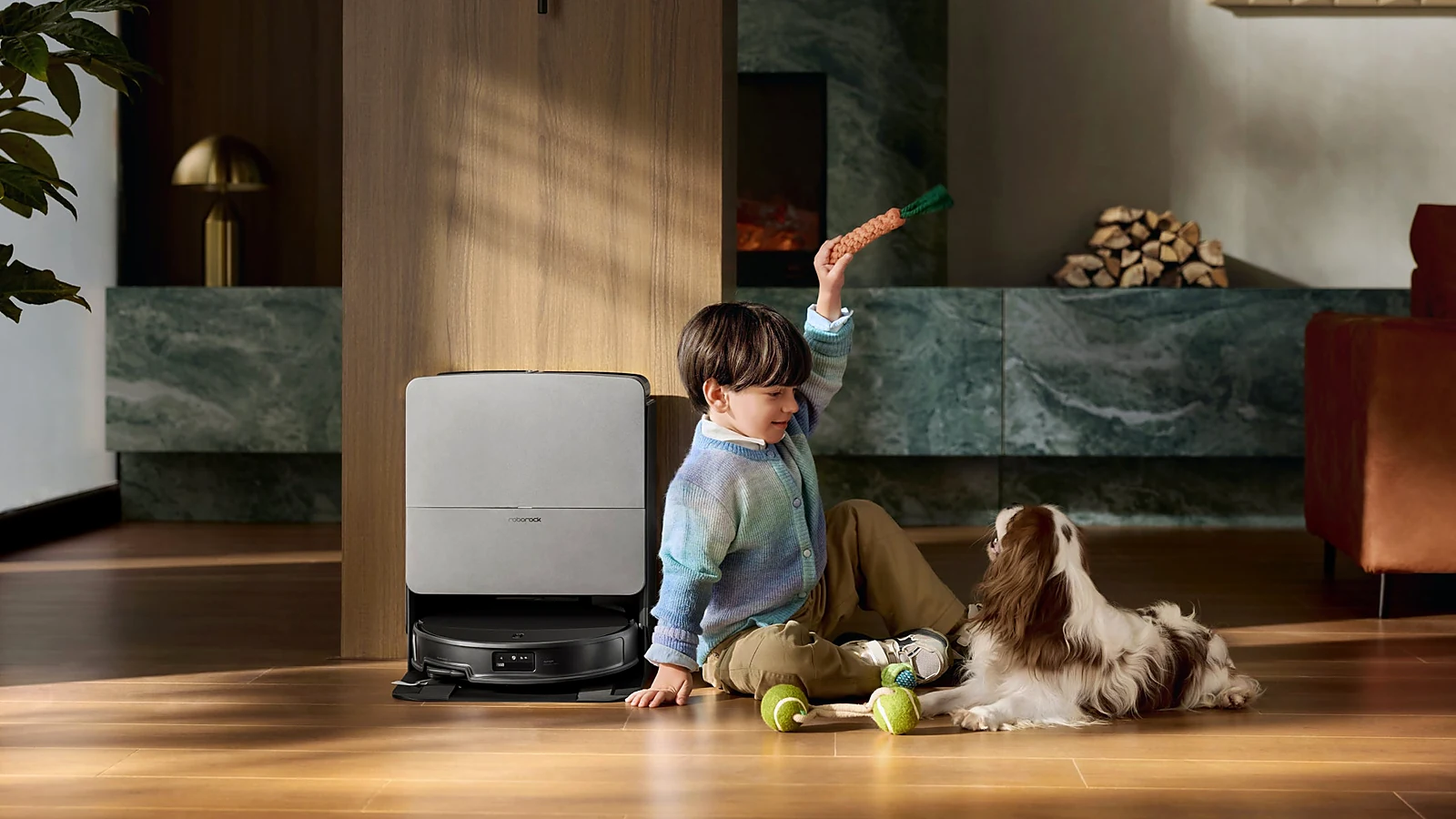
Image: previously published manufacturer material in RoboMorrow — Roborock Saros 20. It illustrates an example and does not document completion of the checks described in this guide.
Author: Redakcja RoboMorrow. Featured image: manufacturer material or a composition of such materials from the published RoboMorrow library. It illustrates a product or example and is not evidence of an editorial test.
Where to buy models from this article
We show only exact verified Amazon product pages. Before purchase, confirm the variant, seller, warranty and box contents.
Exact Amazon links. Where a verified RoboMorrow marketplace tracking ID is active, the link is an affiliate link and we may earn from qualifying purchases. Price and availability can change after you click.