One instruction for a whole robot team: Unitree releases UniUni
A last-minute choreography change for an entire group of humanoids, handled from one computer? Unitree introduced UniUni on 16 October, bringing performance planning and supervision into a desktop application. Its most eye-catching feature is the ability to describe a requested change in ordinary language. Unitree's announcement.
There is a useful story here beyond the dancing. Once several robots share a performance, somebody must coordinate their positions, movement sequences and readiness. UniUni brings those responsibilities together. For businesses running robot demonstrations, that may matter as much as adding another impressive movement to the humanoid itself.
What Unitree is making available
The official website offers a free Windows and macOS application for H2 and G1 humanoids. Its listed functions include 2D and 3D route planning, timeline editing, venue mapping and instruction-driven movement sequences. Monitoring and emergency stops are also part of the interface. UniUni product page and downloads.
Unitree also describes the operating sequence. After the operator signs in with a Unitree account, the application discovers robots on the same local network. The operator imports a map, prepares routes and movement sequences, places the machines at their starting positions and synchronizes the tasks. Three modes cover music accompaniment, choreography debugging and looped execution. Unitree's published instructions.
This is a sensible place for a language interface. An operator can describe the desired effect without wanting to adjust every individual path manually. The practical value depends on how easily that operator can inspect a proposed change, correct it and return to an earlier version.
What to look for in the video
Unitree's official presentation brings together show editing, choreography instructions and device monitoring. It is a short promotional account of an operator preparing a robot group. The interesting relationship is between an edit to the programme and the intended change in the performers' behaviour. Original Unitree video.
Watch that relationship closely: is the person changing the whole formation, one robot's position or just the next movement? Those are different levels of control. A useful editor should make it easy to move between them, because relocating one performer may require adjustments throughout the sequence.
Why an event organiser might care
Imagine a shopping-centre demonstration. The stage turns out to be narrower than expected, part of the audience stands to one side and the customer requests a shorter ending. This is an illustrative scenario, but it captures the value of a shared editor: savings can emerge during preparation and rehearsals, before the audience sees a robot.
Replacing a machine presents a similar problem. Its replacement needs the correct role, starting position and entry point in the sequence. If the operator has to reconstruct those details manually in several places, there are more opportunities for a mismatch. Bringing the programme and the device list together could reduce that friction. This is our assessment of the workflow, rather than a measured UniUni result.
There is also a division of labour within an events team. The person designing the choreography may have different skills from the technician responsible for the hardware. A clear, shared plan lets both work from the same version of the performance. That is one step towards turning an attractive demonstration into a service that can be prepared repeatedly.
What “robot group” means here
UniUni should be assessed as a tool for a planned performance supervised by an operator. Its name does not establish autonomous task allocation in warehouses, open-ended collective problem-solving or compatibility with every humanoid. Those applications are not demonstrated by the manufacturer material checked for this article.
For the intended use, repeatability will be critical. Before an event, we would test restarting the programme, restoring the setup after a venue change and handling an interrupted sequence. A rehearsal of those situations tells an organiser more than one successful run. It also helps establish the actual preparation time required to deliver the service.
Availability: regional evidence and Europe
A public software download is a concrete step. It is not a complete offer for a robot performance in Poland, nor confirmation that every H2 or G1 hardware configuration supports every function in exactly the same way. Buyers should establish device compatibility, setup requirements and support with their supplier.
Our Unitree G1 and Unitree H2 profiles provide a starting point. For the wider purchasing context, see which humanoids can actually be bought or ordered. Hardware, programme preparation and event staffing should be costed separately: a free application does not remove those expenses.
The most interesting development is Unitree's attention to the work surrounding a robot. If editing and rehearsing become easier, more organisers may be able to produce a coherent performance without building their own programming operation. In this setting, a better operator experience could matter more than another humanoid movement record.
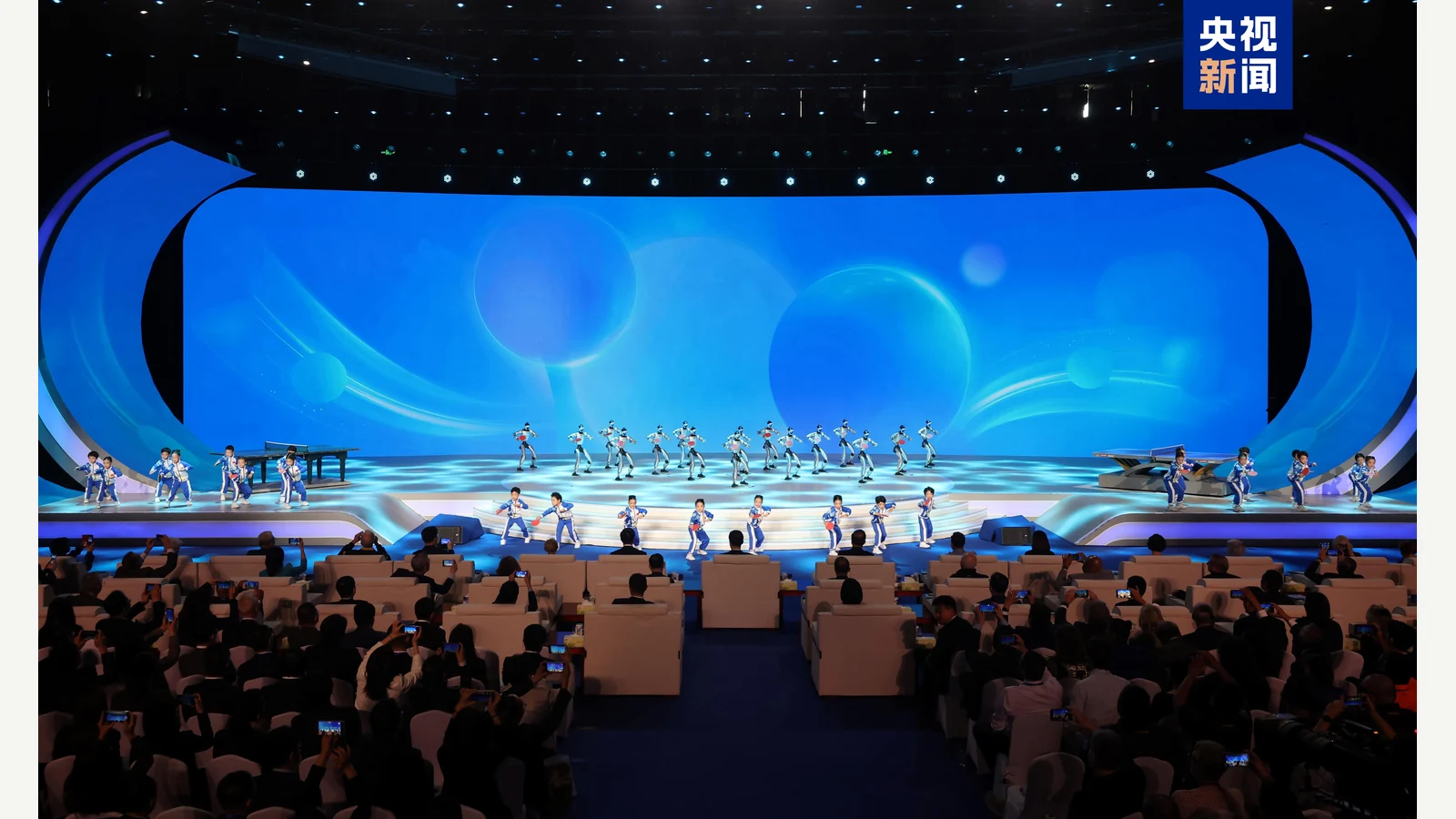
Contextual image: CCTV News / 央视新闻, supplied on Unitree’s official website. Humanoids at a ping-pong diplomacy event; the photograph does not show the 16 October UniUni launch.
Sources
Unitree: official UniUni product page · Unitree Robotics video, 16 October 2026 · Launch announcement, 16 October 2026. Sources checked on 18 October 2026.