Robot vacuum avoids a black rug: sensors or settings?
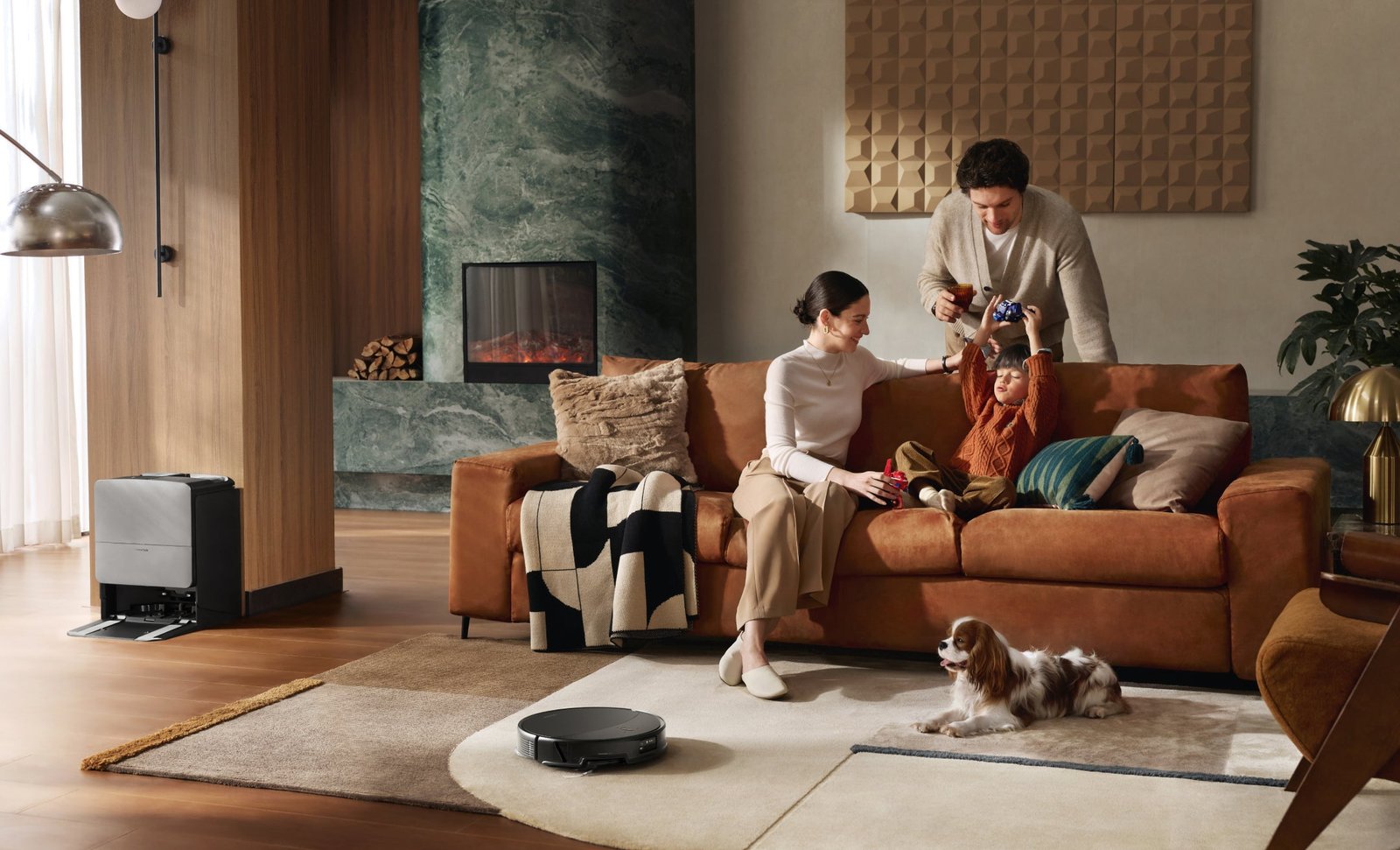
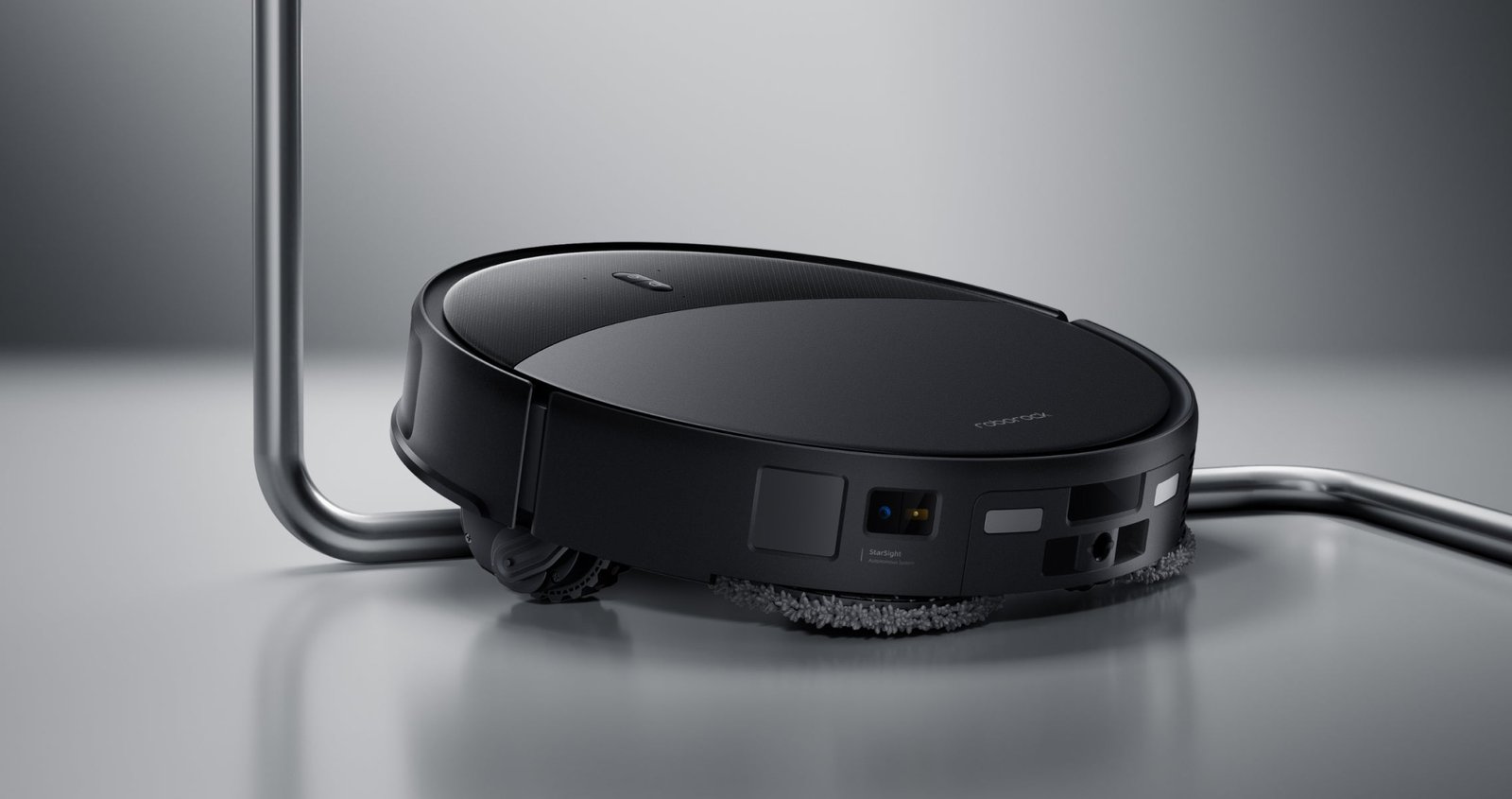
If a robot backs away from a black section of a rug, its cliff sensors may be reacting to the surface. That is only one possible explanation. An exclusion zone, a carpet-avoidance setting during mopping or difficult pile can look similar. Identify the behaviour before changing settings. Covering cliff sensors removes a safety function and is not an appropriate repair.
On this page
What the manufacturer confirms
Roborock support describes cases where dark carpet is interpreted as an edge. A separate support article discusses long-pile carpet. These are general troubleshooting documents, not a comparison of every current model. They cannot establish that all robots from the brand will reject your rug, or that a newer one will certainly handle it.
The relevant combination is the device, software, colour and carpet construction. A retailer’s photograph of a black rug cannot demonstrate how it appears to a sensor. Before purchasing, ask whether you can assess the machine on your own surface under the seller’s trial arrangements.
Identify exactly where the robot gives up
| Observation | Possible explanation | First check |
|---|---|---|
| Reverses at a dark pattern | Sensor response to the surface | Error message and repeatable location |
| Avoids the whole rectangle | Map zone or carpet setting | Current map and cleaning mode |
| Enters but loses traction | Pile, edge or obstruction | Wheels, brush and carpet construction |
| Stops only at tassels | Loose material catching | Where it caught; do not force repeated attempts |
| Reports a sensor fault on ordinary flooring too | Dirt or a fault | Manual-approved cleaning and service advice |
A safe troubleshooting order
- Record the model, app version, exact message and operating mode. Photograph the boundary where the machine turns away.
- Inspect the map, exclusions and carpet settings. Distinguish a no-entry zone from avoiding carpets only while carrying a wet mop.
- Switch off as directed before inspecting accessible sensors and wheels. Use the manufacturer’s cleaning method, without polish or stickers.
- If permitted by the manual, observe a short vacuuming task in an ordinary accessible area, with staircase protection maintained.
- If the fault returns at the same point, stop testing and send the evidence to support. Never position the robot over a drop to test a sensor.
Change one setting at a time so that any difference has a plausible explanation. Moving the dock, updating the app and repositioning the rug together makes the result difficult to interpret. Deleting a working whole-home map is excessive when the rest of the home remains correctly mapped.
A useful support report
| Information | Useful record |
|---|---|
| Surface | Solid black or patterned; short or long pile |
| Failure point | Before entry, inside the pattern or while turning |
| Mode | Vacuuming or mopping; active exclusions |
| Repeatability | Dated observations, without forcing further failures |
| Surroundings | Stairs, threshold, rug edge and nearby obstacles |
When splitting the work is reasonable
If the manufacturer confirms a surface limitation, use a conventional vacuum for that rug and let the robot clean compatible areas. When choosing a replacement, include your own rug in the demonstration requirements. A suction-power figure cannot tell you whether the machine will enter the surface at all.
Keep the limitation in proportion: the robot may still complete useful work elsewhere. Compare the manual cleaning left behind and whether that division suits your routine. Bypassing fall protection should never be a condition of making the purchase worthwhile.
Your next step
Collect the message, task mode and a photograph of the problematic boundary. The related guides separate wet-mop and fringe issues from sensor behaviour.
Sources and method
Documentation checked on 12 September 2026. Model information comes from manufacturer materials. Acceptance sheets, comparison procedures and worked examples are RoboMorrow editorial analysis, not results of our hands-on device tests. Confirm requirements for the exact variant and market.