Window robot leaves streaks: what to check first
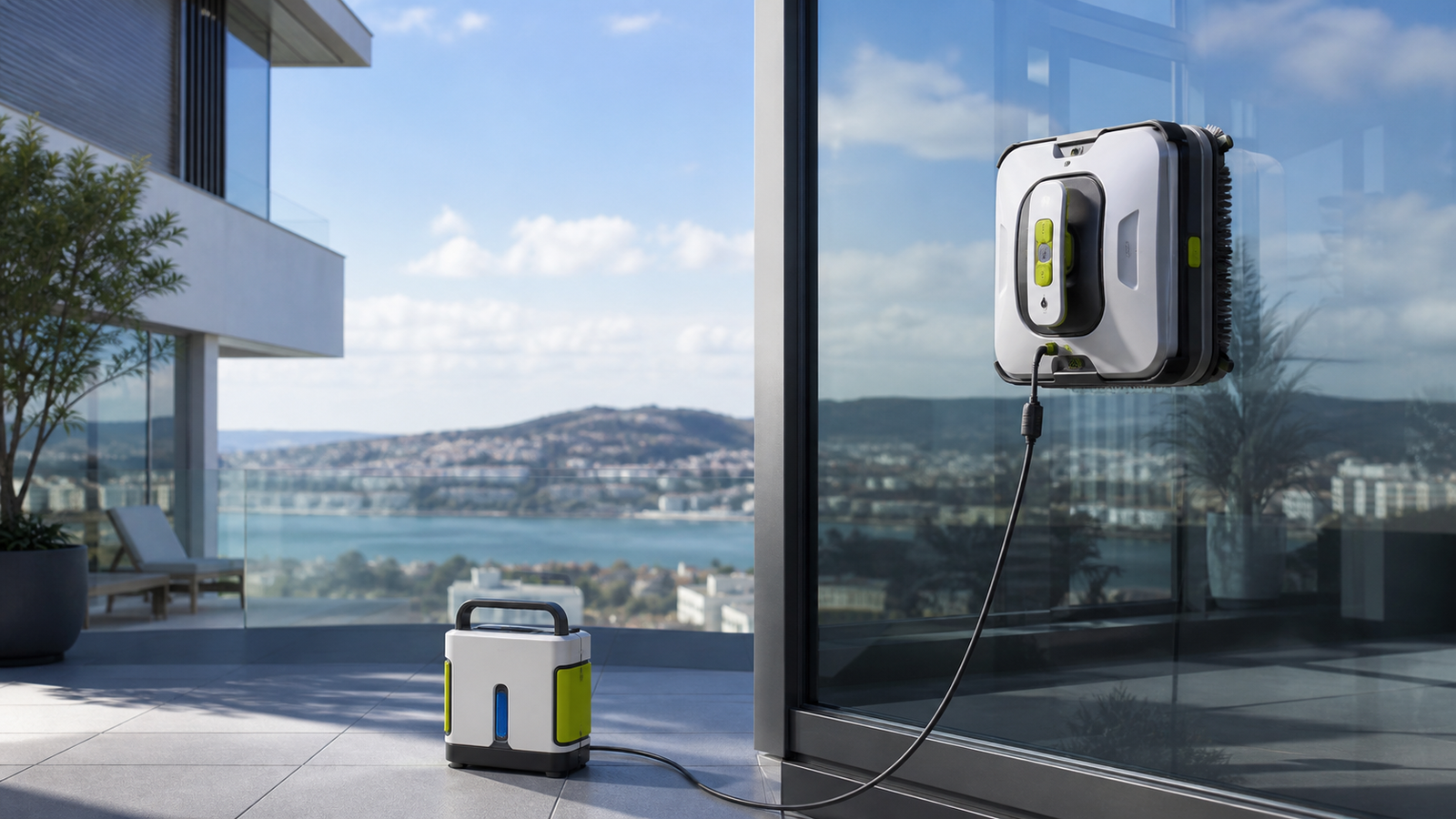
The shape of the mark suggests the first check
Photograph the pane after it dries in lighting comparable to the pre-cleaning view. Note whether the mark follows the route, sits at an edge or appears only where the robot was removed. This guides the next test; appearance alone is not a definitive diagnosis.
| Observation | First check |
|---|---|
| Broad repeated bands | Cloth cleanliness, condition and fitting |
| Film across the whole pane | Approved solution and manual-specified dosing |
| Mark at the finishing point | Stopping and removal procedure |
| Dirt only beside a frame | Edge geometry and the permitted cleaning mode |
Prepare a clean, correctly fitted pad according to the model's manual before trying again. Do not mix products or increase the dose blindly. Repeat a comparable section after one change rather than running several modes across the entire home. With film or coatings, establish compatibility first; extra pressure and repeat passes cannot resolve that uncertainty.
Detailed procedure
Find when the mark appears before changing fluid or adding passes. Marks during a pass, contamination on later panes and a patch left when lifting the robot are different observations. Test one change at a time on compatible, accessible glass and keep the lighting consistent.
| Observation | First inspection | What to record |
|---|---|---|
| Marks from the first pass | Pad preparation, attachment and contact-surface cleanliness | Where the line starts and whether the robot slips |
| Later panes get worse | Cloth contamination and the permitted cleaning routine | Pane count before the finish changes |
| One removal patch | Glass immediately before and after lifting | Whether the rest of the pane is clean |
| Repeated band or edge mark | Pad edge, squeegee and path obstruction | Repeatability at the same location |
Adjust the inspection to your model
- SP10: inspect the cloth and both squeegee contact edges using the maintenance instructions. Do not scrape the glass with an improvised tool.
- S7 Pro: inspect both reciprocating cloths and their correct attachment, not only the spray tanks.
- W3 OMNI: use the specified pad-washing cycle and check seating after retrieving the pad. Station washing does not prove that all grit is gone.
- C1 Station: inspect and wash the cloth manually as directed; the station is not an automatic pad washer.
One-pane troubleshooting sequence
Confirm surface compatibility and safe setup first. Inspect the cloth and contact parts for trapped debris, then prepare the approved pad and solution exactly as specified. Run one normal cycle and photograph the result before lifting. Remove the robot as instructed and photograph again. Record one finding before deciding whether another pass is justified.
If the mark appears only during removal, distinguish that local touch-up from cleaning failure over the whole pane. If marks spread with each pane, stop and inspect the cleaning materials before continuing. Changing solution concentration, cloth wetness and pass mode simultaneously makes the cause harder to establish.
When to stop experimenting
Stop for slipping, unstable attachment, an alarm, visible damage or uncertainty about a coating. Obtain the manufacturer’s model-specific guidance. Do not solve poor adhesion by repeatedly adding detergent or extending operation into unsuitable weather. If a clean, correctly prepared setup still leaves a repeatable mark, send support the before/after photographs, model, manual version and consumable details.
Continue with your next question
- Window robot for small panes and muntins: sizing guide
- How long does a window robot take? Total and hands-on time
- HOBOT SP10 vs WINBOT W3 OMNI: scrapers or wash station?
Availability and sources
Check the exact regional model, compatible consumables, delivery to your address and local support before ordering. A product listing is not stock confirmation. This article adds no affiliate offers.
Redakcja RoboMorrow · updated 12 October 2026. Manufacturer statements are attributed above; practical checklists and fictional examples are editorial analysis, not hands-on test results. Product images are existing RoboMorrow manufacturer materials and illustrate the model, not an editorial test.
Where to buy models from this article
We show only exact verified Amazon product pages. Before purchase, confirm the variant, seller, warranty and box contents.
Exact Amazon links. Where a verified RoboMorrow marketplace tracking ID is active, the link is an affiliate link and we may earn from qualifying purchases. Price and availability can change after you click.