Robot mower winter storage: battery, dock and restart
Start with the right manual, then the checklist
Do not assume one storage temperature or battery percentage applies to every mower. Storage conditions, recharge intervals and dock handling depend on the model. Open the current manual for your exact variant and record its requirements before disconnecting the system.
| Component | Prepare | Keep for spring |
|---|---|---|
| Mower | Cleaning and inspection according to the manual | Photos of housing, wheels and cutting components |
| Battery | Required charge level and any inspection interval | A dated record rather than a universal percentage |
| Dock and power supply | Manufacturer's storage or protection procedure | Photos of placement and connections |
| App | Map, settings and error records | Configuration before dismantling |
Choose a dry place meeting the manual's conditions and accessible for required checks. Do not postpone all attention until spring if the manufacturer requires an earlier battery check. A storage record is also an opportunity to report damage noticed during the season. Do not open the battery or repair the power lead yourself. The checklist below organises the work; model-specific values must come from its documentation.
Detailed procedure
There is no single winter storage charge level for every robot mower. Start with the manual for the exact model and region. Then record settings and installation position so you can restore a known arrangement in spring.
Prepare a storage record before the final cut
| Field | Record |
|---|---|
| Machine | Model, variant and manual version |
| Battery | Required charge before storage and any recharging specified in the manual |
| Storage | Permitted conditions and components to bring indoors |
| Station | Position, orientation, cable routing and mounting photographs |
| App | Schedule, winter mode, account access and map backup if available |
Why “50 percent” is not universal advice
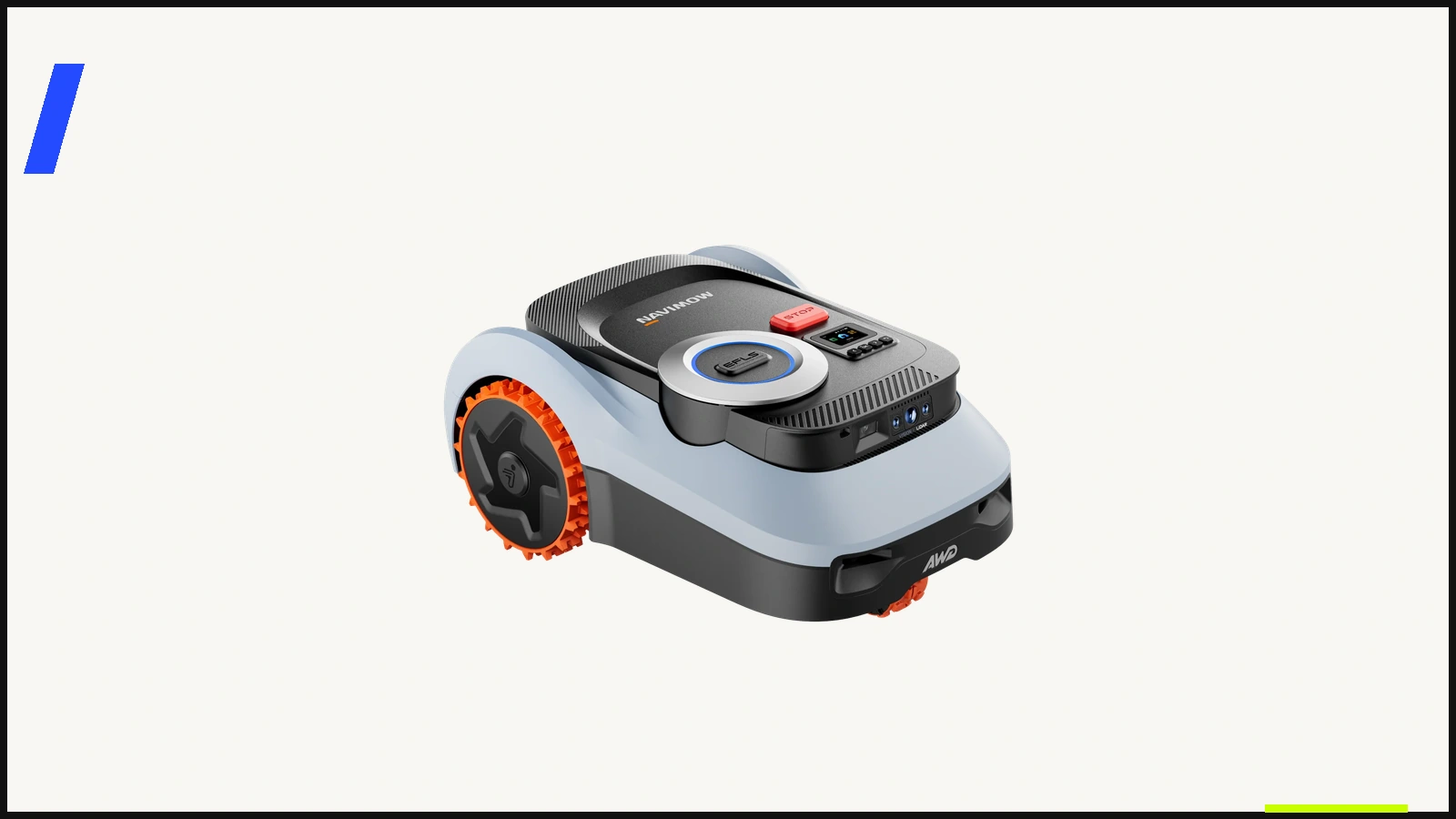
The Navimow i2 LiDAR Pro manual specifies at least 85% charge and hibernation before winter storage, with the mower, station and cables stored indoors. This is a model-specific example, not advice for other series. Also check whether the manufacturer requires battery checks during extended storage.
Clean and inspect before packing
Allow components to dry instead of packing immediately after wet cleaning. Use the approved method for the body, sensors and station. An enclosure rating does not itself authorise pressure washing. Power off for work underneath and follow the manufacturer’s blade procedure.
Record damage to cables, connectors, wheels or guards. Refer insulation or battery problems to service; do not plan another season around a damaged electrical component. Before-and-after photographs can help track recurring dirt or wear.
Mark the station position before removal
Take a wider photograph and record distances from two fixed points. A close-up alone may not capture orientation. Label cables by function without publishing access codes or information that could allow someone to take over the device.
If part of the installation remains outdoors, use the manufacturer’s protection method. Do not assume improvised wrapping or tape meets a connector’s requirements. Check antenna and accessory instructions separately.
Spring checks before resuming the schedule
- Compare the garden with the map: new edging, beds, gates and obstacles.
- Check cables, connectors, sensor cleanliness and cutting components.
- Restore the station as instructed; after moving it, perform the required relocation or map update.
- Confirm charging, app connection and a controlled trial run.
- Resume the appropriate schedule after a successful check.
Keep the storage record with the manual. A useful record includes the date, configuration, battery condition and items to check next season, rather than simply saying the mower was put away.
Continue with your next question
- 500 or 1,000 m² robot mower: how much headroom?
- Navimow i210 LiDAR Pro vs i208: when is Pro worth it?
- Navimow i210 Pro vs i215 LiDAR: terrain or more area?
Availability and sources
Check the exact regional model, compatible consumables, delivery to your address and local support before ordering. A product listing is not stock confirmation. This article adds no affiliate offers.
Redakcja RoboMorrow · updated 12 October 2026. Manufacturer statements are attributed above; practical checklists and fictional examples are editorial analysis, not hands-on test results. Product images are existing RoboMorrow manufacturer materials and illustrate the model, not an editorial test.