Robot vacuum dock not emptying: settings, bag or blockage?
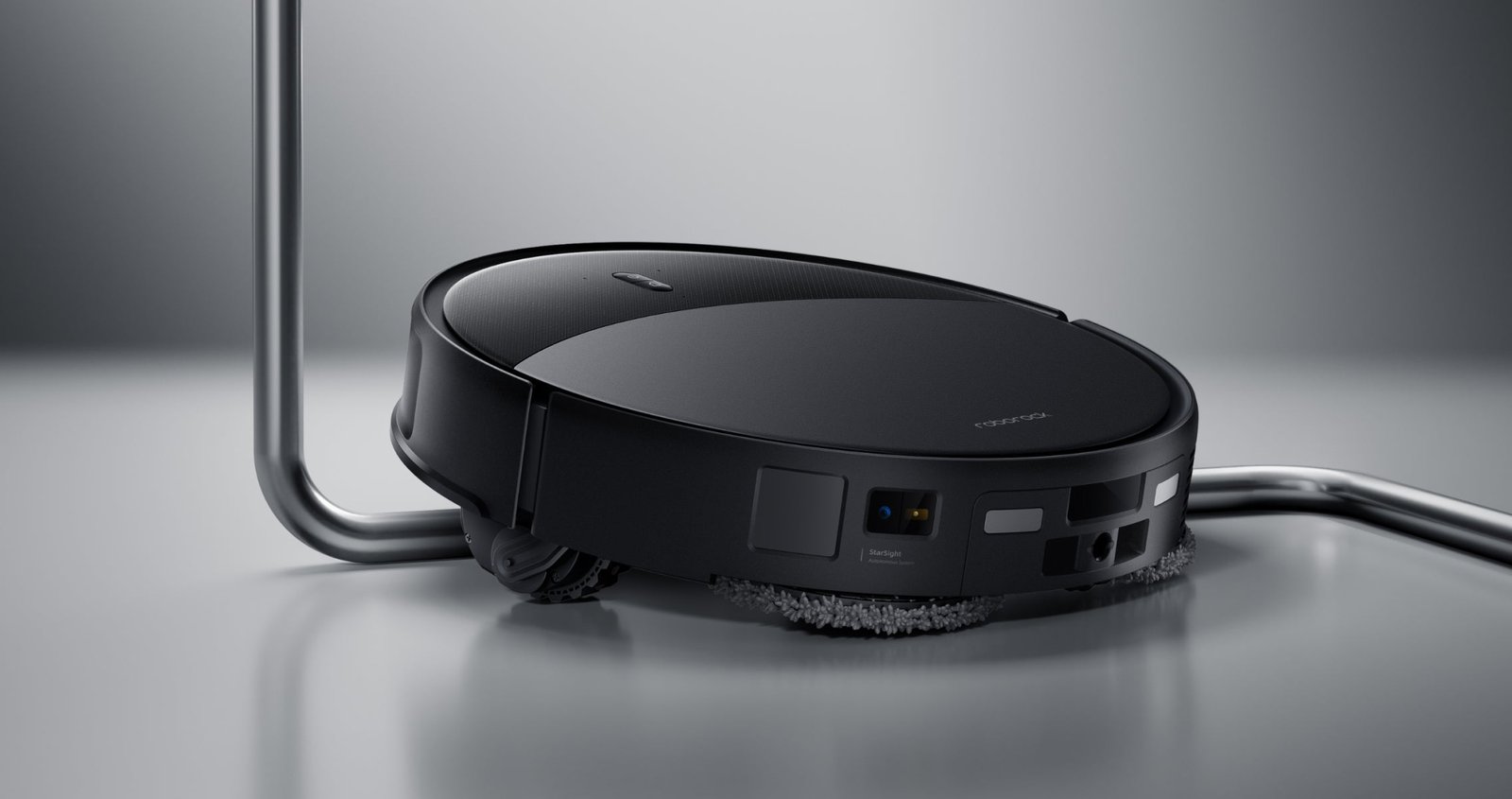
When a dock fails to empty a robot vacuum, first establish whether it attempts the emptying cycle at all. Silence after returning points towards settings and start conditions. A loud cycle that leaves the bin full calls for checks of the bag and accessible air path. Charging successfully does not prove that the emptying system works.
On this page
Check the start conditions first
Roborock support lists a disabled function, do-not-disturb settings, an incorrectly closed cover, a full bag and returning without having cleaned among possible explanations. This shows why placing the machine on its dock manually may not trigger emptying. Exact behaviour depends on the model and current settings.
| Symptom | Check first | Avoid this assumption |
|---|---|---|
| Charges but does not empty | Emptying enabled, quiet hours and completed task | Working charging rules out a dock fault |
| Emptying starts but dust remains | Bag, bin seating and accessible channel | The motor must immediately be replaced |
| A message interrupts the cycle | Exact code and matching manual | The same-looking message means the same on another model |
| Trouble started after a bag change | Part number and fitting | A similar shape establishes compatibility |
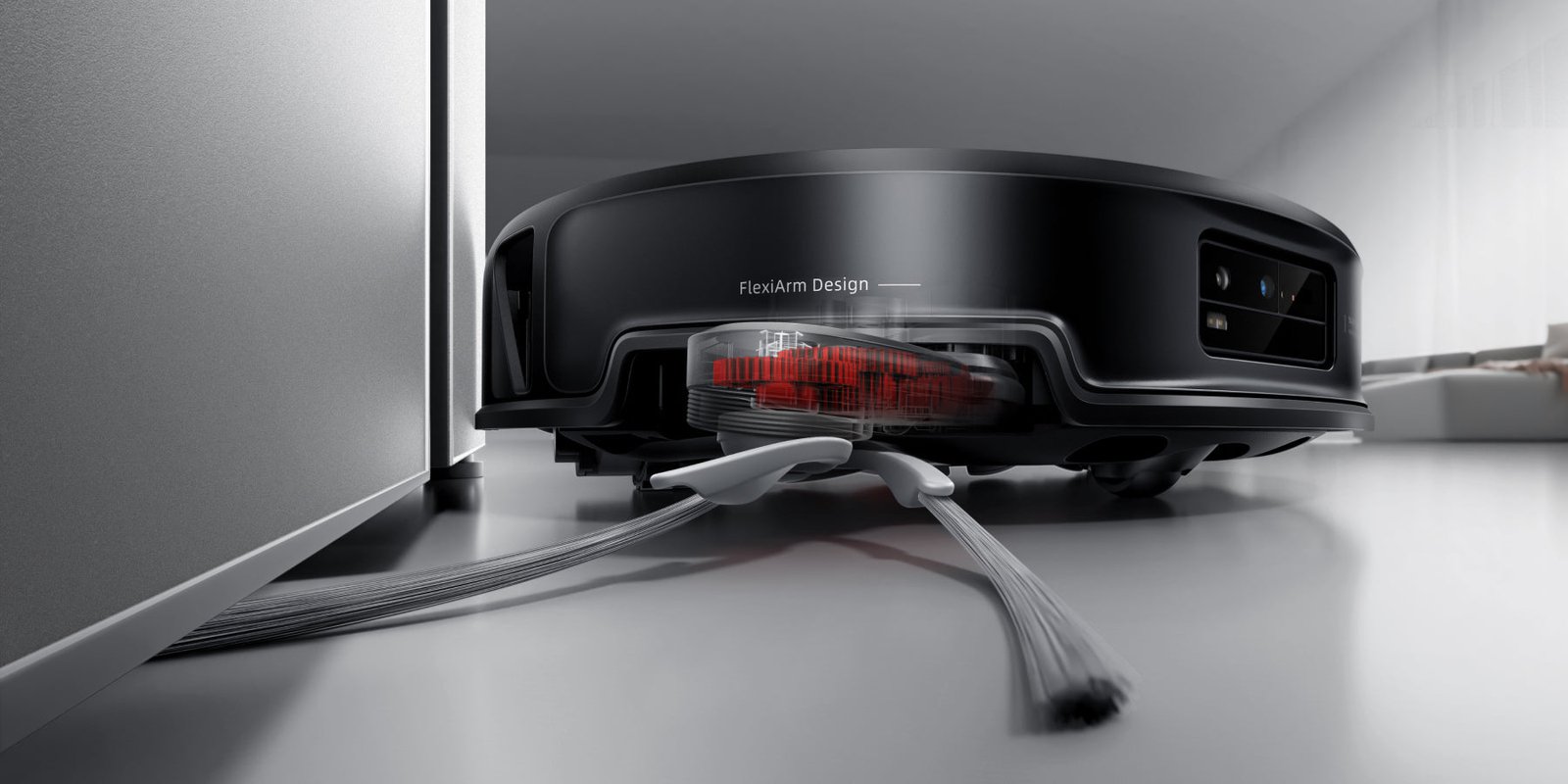
Separate automatic triggering from an obstruction
Inspect the app’s emptying and quiet-hours settings. If the manual allows manually starting emptying, one attempt can establish whether automatic triggering is the problem. Do not keep repeating cycles after a burning smell, an unusual noise or a message requiring service.
If a manual cycle works, record which task failed to trigger automatic emptying. Compare the same conditions after the next ordinary clean. Changing the bag, schedule and dock position together makes it harder to identify the cause.
Inspect the bag and accessible air path
Switch off and unplug the dock as directed before maintenance. Open only components intended for user servicing. Do not dismantle the electrical enclosure or bypass a cover sensor. If the manual does not provide access instructions for a particular channel, leave that work to service personnel.
- Confirm the bag matches the dock and is properly seated. Replace a full bag according to the manufacturer’s directions.
- Inspect accessible seals and contact surfaces for dirt or a folded component following the last service.
- Check the robot’s bin and dust outlet flap if the manual provides user access.
- Remove accessible debris using the approved method. Do not introduce water into a dry-dust channel.
- Reassemble the components and close the covers before a permitted operating check.
Not all debris belongs in a dry emptying cycle
Wet material in the bin requires the device’s prescribed procedure, rather than repeated suction attempts. Compacted dirt or a large object may need removal from a user-accessible part. A station that washes mops does not necessarily support collecting liquid through its dust system.
| After maintenance | Finding | Next step |
|---|---|---|
| The cycle clears the bin | A user-serviceable problem was resolved | Record the cause and check at the next bag change |
| Manual emptying works; automatic emptying does not | Start conditions may be involved | Send settings and task type to support |
| It still fails after correct assembly | Further diagnosis is needed | Provide the code, dock model and checks performed |
Make the service report useful
Include the precise robot and dock models, bag part number, error message and whether the cycle is silent, interrupted or apparently normal. Add a photograph of the accessible bin and describe the last successful operation. Do not order a random motor or sensor based solely on this symptom; the exact combination needs diagnosis first.
Your next step
Record whether suction starts and the bag and dock codes. Begin with triggering conditions and keep maintenance within the manual’s user-service scope.
Sources and method
Documentation checked on 12 September 2026. Model information comes from manufacturer materials. Acceptance sheets, comparison procedures and worked examples are RoboMorrow editorial analysis, not results of our hands-on device tests. Confirm requirements for the exact variant and market.
Where to buy models from this article
We show only exact verified Amazon product pages. Before purchase, confirm the variant, seller, warranty and box contents.
Exact Amazon links. Where a verified RoboMorrow marketplace tracking ID is active, the link is an affiliate link and we may earn from qualifying purchases. Price and availability can change after you click.